
Updating device MS Teams Phone Edition Yealink T56A (firmware) March 2019 v58.15.0.26

Updating device MS Teams Phone Edition Yealink T56A (firmware) March 2019 v58.15.0.26

women riding swing

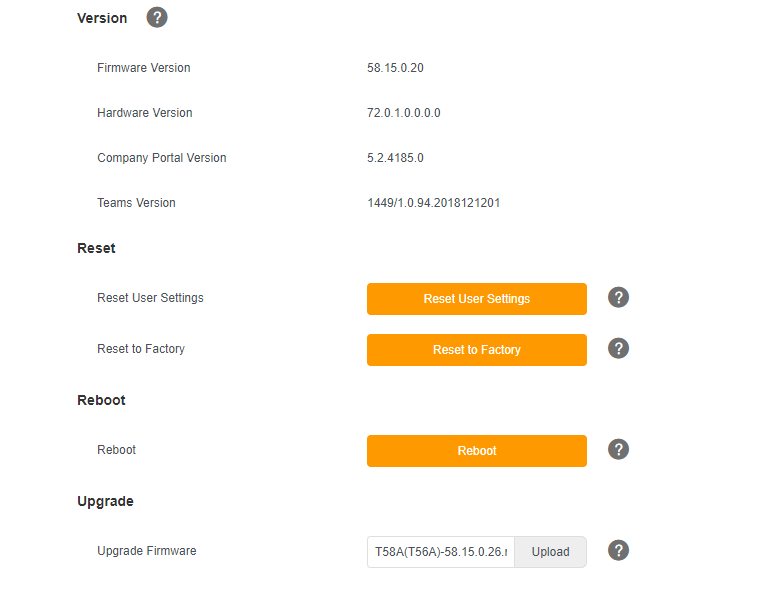
Current version is 58.15.0.20

https://tech24online.techrankaustraliahosting.com/wp-content/uploads/2019/03/word-image.png

Latest release (as on 13th March 2019) 58.15.0.26

Login into phone using web console

https://tech24online.techrankaustraliahosting.com/wp-content/uploads/2019/03/word-image-1.png

Default user name and password is:

  • User name – admin
  • Password – admin

Please note that all the characters are lowercase.

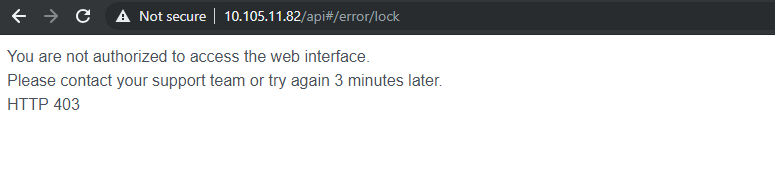
Admin interface will be locked for 3 minutes if you enter the wrong credentials:
https://tech24online.techrankaustraliahosting.com/wp-content/uploads/2019/03/word-image-2.png

Login to Yealink T56A Teams Edition phone using WebUI.

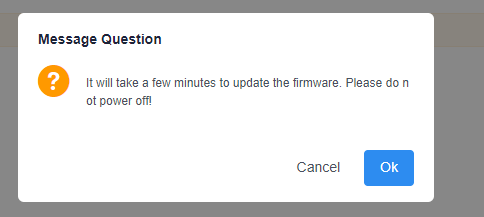
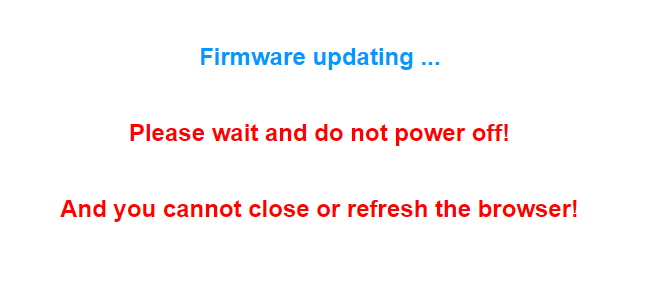
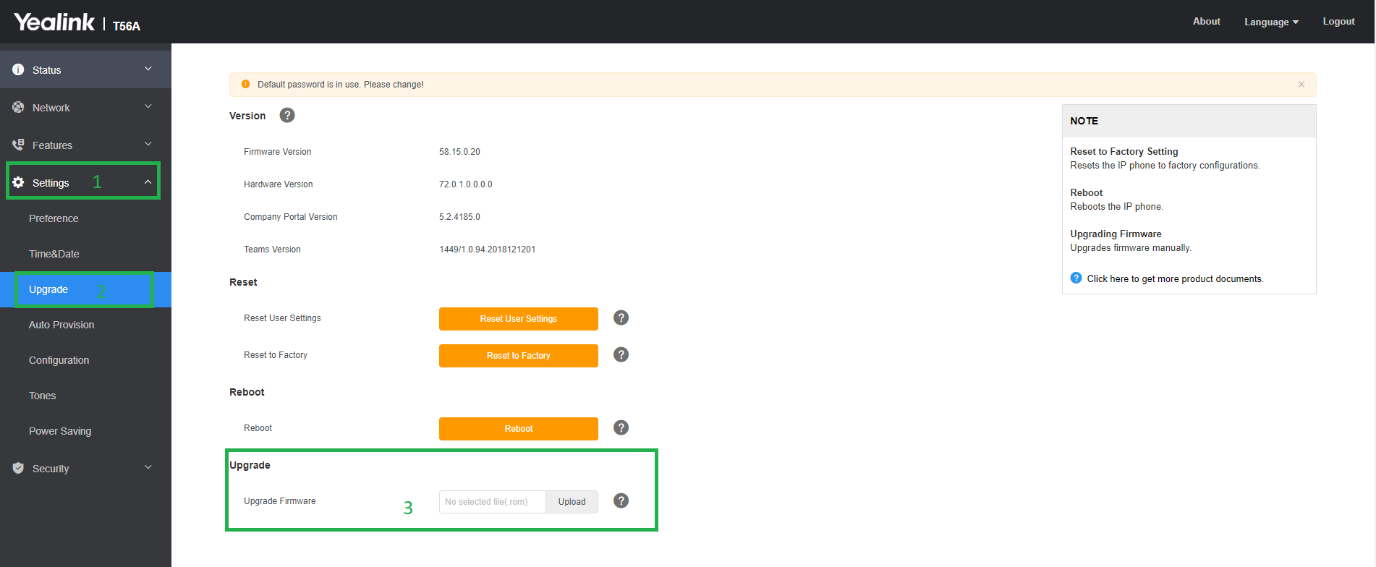
Go to Settings > Upgrade > Upgrade > navigate to the downloaded rom file path.
https://tech24online.techrankaustraliahosting.com/wp-content/uploads/2019/03/word-image-3.png

https://tech24online.techrankaustraliahosting.com/wp-content/uploads/2019/03/word-image-4.png

https://tech24online.techrankaustraliahosting.com/wp-content/uploads/2019/03/word-image-5.png

https://tech24online.techrankaustraliahosting.com/wp-content/uploads/2019/03/word-image-6.png

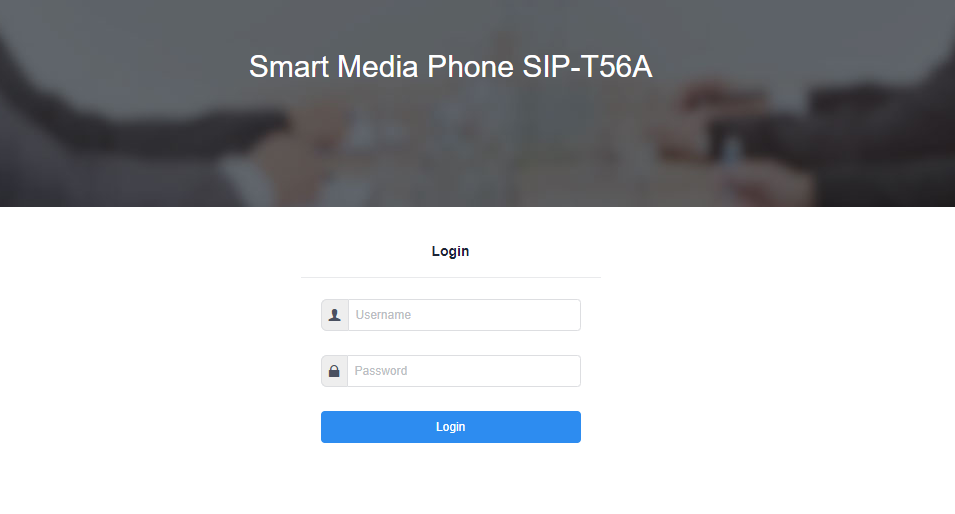
After update admin page will reset and you need to sign in again:
https://tech24online.techrankaustraliahosting.com/wp-content/uploads/2019/03/word-image-7.png

Now we can see latest version applied:

https://tech24online.techrankaustraliahosting.com/wp-content/uploads/2019/03/word-image-8.png

Waiting for the change log updates from Yealink, soon will add here…..